
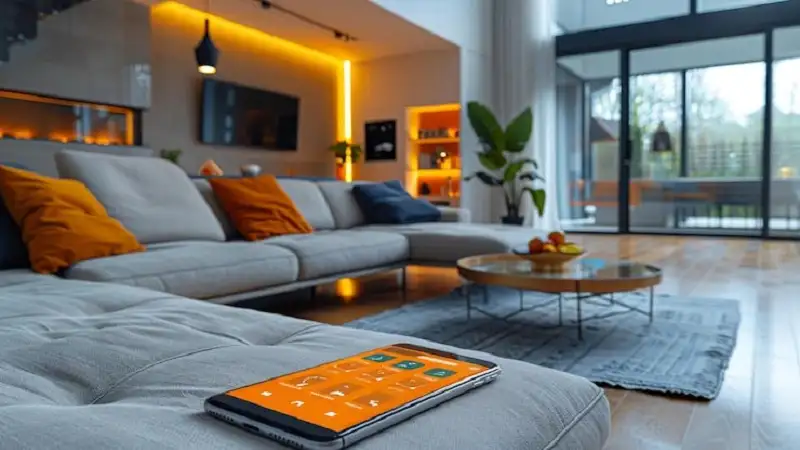
A comfortable home is about more than attractive furniture and beautiful decorations. The way a home functions also matters. Smart technology can make everyday activities easier, improve household organization, and give homeowners greater control over lighting, temperature, security, and entertainment.
DecoradTech Smart Home Ideas by DecoratorAdvice explores how modern technology can work alongside traditional interior design. Instead of filling rooms with unnecessary gadgets, the goal is to select useful devices that complement the home’s appearance and solve everyday problems.
Whether you live in a small apartment, a family house, or an older property, you can introduce smart features gradually. The most successful approach begins with understanding your needs, selecting compatible products, and creating a balanced environment where technology supports comfortable living.
What Are DecoradTech Smart Home Ideas?
DecoradTech is a design-focused approach to smart living that combines connected technology with practical home decoration. It considers both the appearance of a room and the way its devices function.
For example, traditional lighting can be replaced with compatible smart bulbs or switches. Curtains can operate through scheduled controls, and selected security devices can send notifications to a smartphone.
However, a smart home does not need to be completely automated. Even a few carefully selected devices can make a noticeable difference to daily routines.
The important principle is to choose technology according to your lifestyle rather than purchasing products simply because they have advanced features.
Create a Comfortable Atmosphere With Smart Lighting
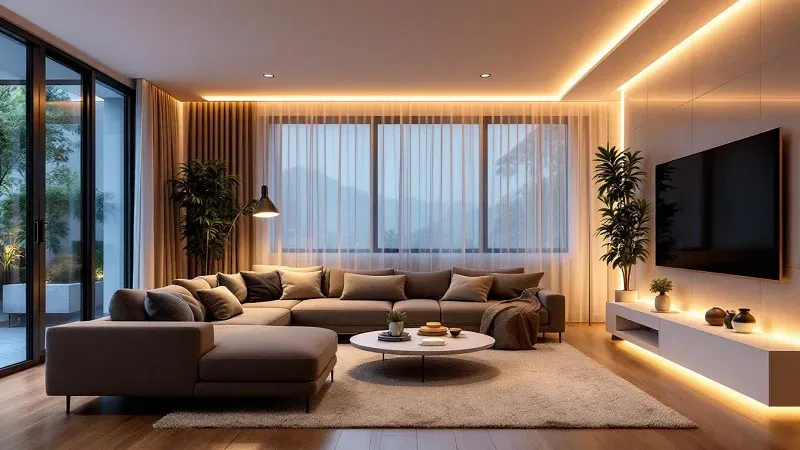
Lighting is one of the easiest ways to improve a home’s appearance and functionality. It influences how rooms look, supports different activities, and helps create a comfortable atmosphere.
Smart bulbs, dimmers, and connected switches allow homeowners to adjust lighting through compatible applications or voice assistants.
For example, a living room can have brighter lighting during daytime activities and softer illumination during the evening. A reading corner can have focused lighting, while hallway lights can operate through motion sensors when someone enters.
How to Integrate Smart Lighting Into Your Décor
Choose lighting that complements your existing interior design. Warm white bulbs generally work well in relaxing spaces, while brighter lighting can support cooking, studying, and other detailed activities.
Under-cabinet lighting can improve kitchen visibility without taking up counter space. LED strips behind selected shelves can highlight decorative objects, while dimmable bedside lights can make nighttime routines more convenient.
Before purchasing smart bulbs, check their fitting, brightness, communication requirements, and compatibility with existing switches. Some smart bulbs need continuous power, which means switching them off at the wall can interrupt app-based control.
Good lighting design combines smart controls with attractive fixtures and practical placement.
Make Your Living Room Smarter Without Creating Clutter
The living room is often the central area for relaxation, entertainment, and family activities. It is therefore a useful place to introduce connected technology.
A smart television, wireless speakers, connected lighting, and a suitable voice assistant can make entertainment easier to manage.
You might create a simple evening routine that adjusts compatible lights and prepares your entertainment equipment. A smart plug can also control a suitable lamp according to a schedule.
Keep Technology Visually Organized
Technology should not dominate the appearance of your living room. Choose devices that complement the furniture, wall colors, and decorative accessories.
Use cable-management channels to organize wires behind televisions. Place speakers on suitable shelves and leave enough ventilation around electronic equipment.
Wall-mounted displays can create additional floor space, while storage cabinets can keep smaller accessories organized.
The objective is to create a room that remains welcoming and functional rather than looking like an electronics showroom.
Improve Home Security With Connected Devices
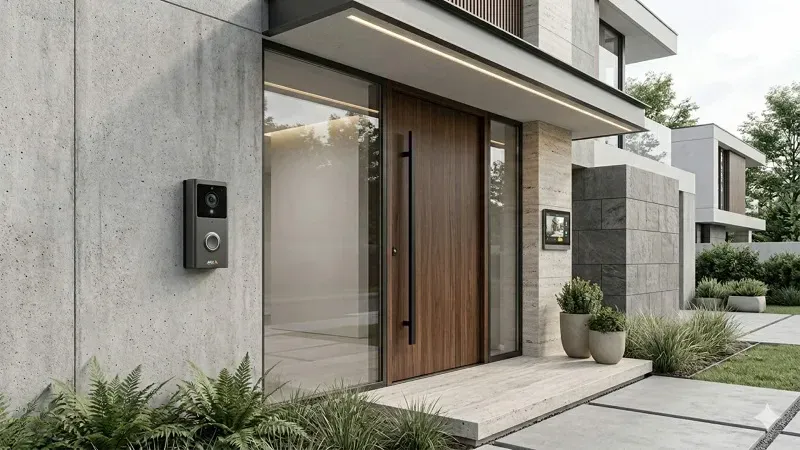
Home security is another practical area where technology can help. Smart doorbells, security cameras, motion sensors, and compatible door locks can provide additional monitoring and remote access.
A video doorbell, for example, may allow you to see visitors through a mobile application. Door sensors can send notifications when monitored entrances are opened.
Motion sensors can also activate selected lights, making outdoor and indoor areas easier to monitor.
Important Security Considerations
Before purchasing a connected security device, investigate its recording options, storage arrangements, subscription requirements, and software support.
Use strong, unique passwords for device accounts and enable multifactor authentication whenever available. Keep device firmware updated and restrict camera access to trusted household members.
Camera placement also deserves careful consideration. Avoid recording bedrooms, bathrooms, neighboring properties, or other private areas unnecessarily.
Smart security should support responsible household protection without compromising the privacy of family members and visitors.
Introduce Smart Temperature and Climate Control
Maintaining a comfortable indoor environment can be challenging when temperatures change throughout the year.
Smart thermostats and compatible air-conditioning controls can make temperature management more convenient. Depending on the equipment, users may adjust settings remotely, create schedules, or monitor certain aspects of energy consumption.
For example, a homeowner can create a cooling schedule that matches normal household routines rather than operating the air conditioner continuously.
Simple Ways to Improve Climate Management
Use curtains or blinds to reduce unwanted sunlight during hot periods. Keep air-conditioning filters clean and maintain appropriate ventilation.
Place temperature sensors away from direct sunlight, heat-producing appliances, and other locations that could affect their readings.
Before installing a smart thermostat, confirm that it supports your existing heating or cooling system. Electrical connections and system compatibility should be checked by a qualified professional when necessary.
Smart controls can support better energy management, but they do not guarantee lower electricity bills. Results depend on equipment efficiency, household habits, climate, and settings.
Design a More Practical Smart Kitchen
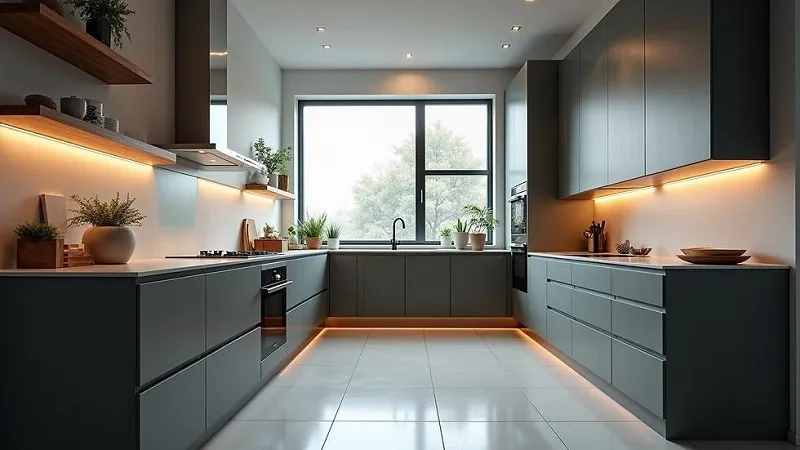
The kitchen contains several activities that can benefit from convenient technology. Smart appliances, touchless fixtures, connected lighting, and suitable sensors can support everyday household tasks.
For example, motion-activated lighting beneath cabinets can illuminate preparation areas. A connected coffee machine may support scheduled operation, while a compatible oven may allow users to monitor selected settings through an application.
Water leak sensors can also provide alerts when unexpected moisture is detected near sinks or appliances.
Combine Kitchen Technology With Good Organization
Choose appliances that fit your available cabinet space and cooking requirements. Panel-ready appliances can create a consistent appearance, while organized charging areas help prevent counters from becoming crowded.
Voice assistants can be useful for setting cooking timers or checking instructions when your hands are occupied. However, keep electronic devices away from excessive heat, water, and cooking grease.
Always check the electrical ratings of smart plugs before connecting kitchen equipment. High-power appliances should only use controls specifically designed and approved for that purpose.
A practical kitchen should prioritize safe operation, accessible storage, and sufficient workspace.
Build a Relaxing Smart Bedroom
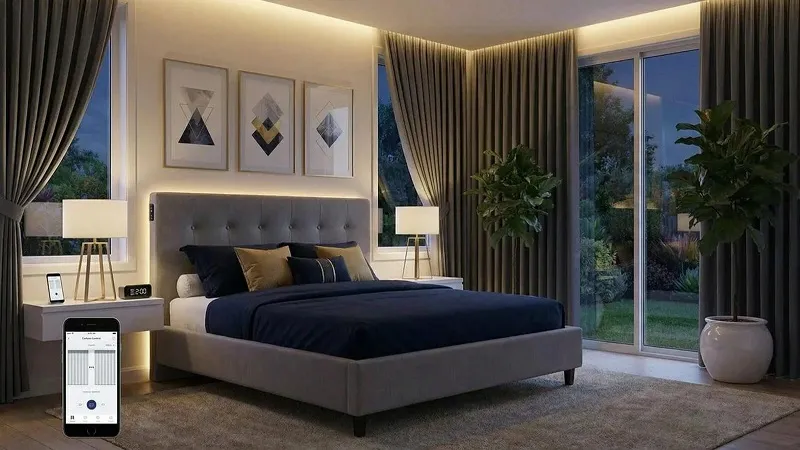
A bedroom should support rest and comfort. Technology can help when it is introduced carefully and does not become another source of distraction.
Smart lighting can gradually dim according to a schedule. Compatible motorized curtains can close at bedtime and open in the morning.
Temperature sensors and suitable climate controls can also help maintain a comfortable sleeping environment.
Bedroom Design Tips
Choose soft lighting rather than excessively bright decorative effects. Keep charging cables organized and place connected speakers where they are easy to control.
If you use voice assistants, review their microphone settings and recording options. Avoid unnecessary screens and cameras in private spaces.
You can also create a simple bedtime routine that switches off selected lights and adjusts compatible devices.
The best bedroom technology is often the technology that quietly supports your routine without demanding constant attention.
Use Automated Curtains and Window Treatments
Window treatments are an important part of interior decoration. They influence natural lighting, privacy, temperature, and the overall appearance of a room.
Motorized curtains and smart blinds add convenience by allowing users to control their position through a compatible remote, application, or scheduled routine.
For example, blinds can be programmed to close during periods of strong sunlight. Curtains can also open in the morning to allow natural daylight into the room.
Choose Window Treatments That Match Your Interior
Fabric, color, weight, and installation style should all be considered before selecting motorized curtains.
Neutral fabrics can complement minimalist interiors, while textured materials may work better with traditional furniture.
Check the motor’s noise level, power requirements, installation measurements, and compatibility with your existing smart home platform.
It is also useful to retain a manual operating option where available, particularly if the system experiences a power or connectivity problem.
Make Home Entertainment More Convenient
Entertainment technology can improve the way family members enjoy movies, music, games, and other digital content.
Smart televisions, streaming devices, wireless speakers, and compatible lighting controls can work together to create convenient entertainment arrangements.
For example, a movie routine might dim selected lights and prepare compatible audio equipment.
However, entertainment devices need proper placement. Screen position, viewing distance, seating arrangements, and window reflections can affect the overall experience.
Use suitable cabinets or shelves for electronic equipment, leaving enough space for ventilation. Keep cables organized and make frequently used controls accessible.
A thoughtfully arranged entertainment area can provide modern functionality without disturbing the room’s decorative balance.
Understand Smart Home Compatibility Before Buying
One of the biggest challenges of building a connected home is ensuring that different devices work together.
Some products depend on a particular application or smart home ecosystem. Others use communication technologies such as Wi-Fi, Bluetooth, Zigbee, or Thread.
Matter is an industry-developed connectivity standard intended to improve interoperability between supported smart home devices and platforms.
The Connectivity Standards Alliance identifies support across major ecosystems, including Apple Home, Google Home, Amazon Alexa, and Samsung SmartThings. However, compatibility still depends on the particular device, controller, and supported features.
Before purchasing a product, check:
- Whether it supports your existing smart home platform.
- Whether a separate hub or controller is required.
- Whether it needs an internet connection for important functions.
- Whether a subscription is necessary.
- Whether firmware and security updates are available.
- Whether the product supports the Matter standard, if relevant to your setup.
A little research before purchasing can prevent unnecessary expenses and compatibility problems later.
Protect Your Smart Home Privacy
Connected devices can collect information about usage patterns, household activities, and personal preferences.
Security should therefore be part of the initial installation process rather than something considered after problems occur.
Start by securing your home router. Change default administrative credentials and use appropriate wireless encryption.
Create strong, unique passwords for connected accounts. Enable multifactor authentication when supported and install available software updates.
Review microphone and camera permissions regularly. Disable features you do not need and remove access for people who no longer require it.
For security cameras, investigate encryption, recording storage, remote access, and account-sharing controls before making a purchase.
The Federal Trade Commission also recommends securing connected devices and keeping their software updated.
These simple precautions help create a more responsible connected environment.
Explore Smart Home Ideas on a Limited Budget
Creating a smart home does not require purchasing expensive equipment for every room.
A gradual approach makes it easier to control spending and understand which features are genuinely useful.
Start by identifying one problem that you want technology to solve. If you frequently forget to switch off a lamp, a compatible smart bulb or plug might be sufficient.
If you want more control over indoor lighting, consider suitable smart switches or dimmers.
A Practical Upgrade Plan
First stage: Basic convenience
Start with compatible smart bulbs, selected plugs, or a simple connected speaker.
Second stage: Better household routines
Introduce useful schedules, motion sensors, and lighting automations.
Third stage: Security improvements
Consider a suitable video doorbell, door sensors, or a connected security system.
Fourth stage: Climate management
Explore compatible temperature controls and energy-monitoring devices.
Fifth stage: Advanced integration
Connect suitable devices through a central platform and create routines for different household activities.
This gradual method helps prevent unnecessary purchases and allows you to evaluate each improvement before expanding.
Remember to include installation expenses, replacement batteries, subscriptions, and possible maintenance costs in your budget.
Common Smart Home Mistakes to Avoid
Smart technology can become frustrating when it is introduced without proper planning.
One common mistake is buying products without checking compatibility. A device may have impressive features but still fail to work with your existing system.
Another problem is automating too many activities. Complicated routines can become difficult to manage, especially when several family members use the same space.
Poor Wi-Fi coverage can also affect connected devices. Before purchasing additional equipment, check whether your router provides reliable coverage in the rooms where devices will operate.
Other mistakes include ignoring privacy settings, forgetting software updates, overlooking subscription charges, and hiding electronic equipment in poorly ventilated cabinets.
A reliable system should remain easy to operate, maintain, and understand.
How to Combine Smart Technology With Interior Design
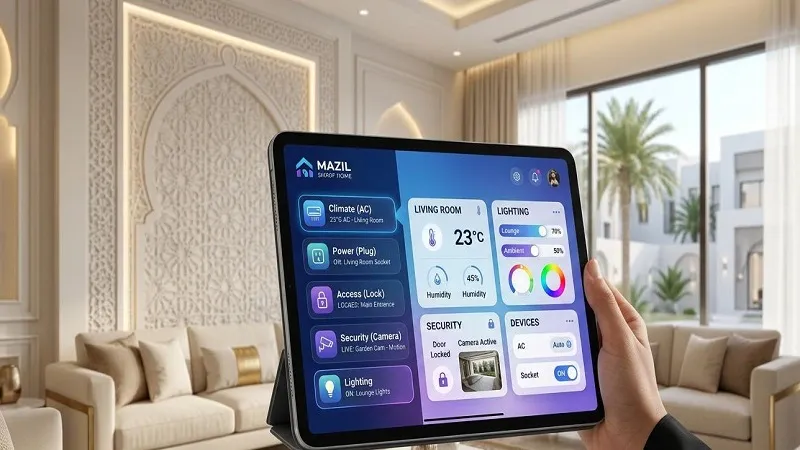
The real value of design-focused home automation comes from balancing appearance and functionality.
Start by considering the existing style of your home. A minimalist room may benefit from discreet switches, concealed wiring, and simple connected lighting.
Traditional interiors may look better with smart bulbs fitted into decorative lamps or connected controls that do not change the appearance of existing fixtures.
Wooden shelves, organized cabinets, neutral device finishes, and carefully positioned charging stations can help technology blend into the surroundings.
You should also consider accessibility. Wall controls should remain easy to reach, labels should be understandable, and household members should have alternative ways to operate important equipment.
A beautiful smart home should be practical for everyone who lives in it.
Conclusion
A modern home does not need to be filled with expensive gadgets to become more convenient and functional. Thoughtful choices can improve lighting, security, temperature management, entertainment, and household organization.
The central idea behind DecoradTech Smart Home Ideas by DecoratorAdvice is to make technology work naturally with interior design. Choose compatible devices, consider privacy, plan your budget, and introduce automation according to your actual needs.
Start with one room and one practical improvement. As you become familiar with the technology, you can gradually expand your system.
The best smart home is not the one with the most devices. It is the one that makes everyday living simpler while preserving the comfort and character of your home.
Frequently asked questions (FAQs)
What does DecoradTech Smart Home Ideas by DecoratorAdvice mean?
It refers to combining smart home technology with attractive interior design. The approach focuses on convenience, automation, security, and comfortable living.
What is the easiest way to create a smart home?
Start with a few compatible smart bulbs, plugs, or connected switches. Learn how they work before adding more advanced automation.
Can smart technology improve interior design?
Yes. Smart lighting, motorized curtains, concealed cables, and discreet control panels can improve functionality while maintaining an organized appearance.
Are smart home devices expensive?
Costs depend on the devices, installation requirements, and features. You can begin with basic products and expand your system gradually.
Do smart home devices need Wi-Fi?
Many connected devices use Wi-Fi, but others use Bluetooth, Thread, or Zigbee. Requirements vary by product.
Is smart home technology secure?
It can be used more securely with strong passwords, multifactor authentication, regular software updates, and carefully configured privacy settings.
Can I install smart technology in an older home?
Yes. Many wireless smart bulbs, plugs, sensors, and connected devices can be installed without major renovation. Electrical modifications should be handled by qualified professionals.
Does Matter make smart devices compatible?
Matter is designed to improve interoperability between supported devices and platforms. However, buyers should still verify individual product compatibility and feature support. See More